
Reports & outputs
The evidence is the story.
The report makes it usable.
From the engineering desk to the boardroom, CivilRisk IQ turns one review record into materials people can examine, question and act on. Twelve formats, each tied back to the sheet and page behind every point.
PDF and Word · Bluebeam and Acrobat comment files · CSV and JSON data
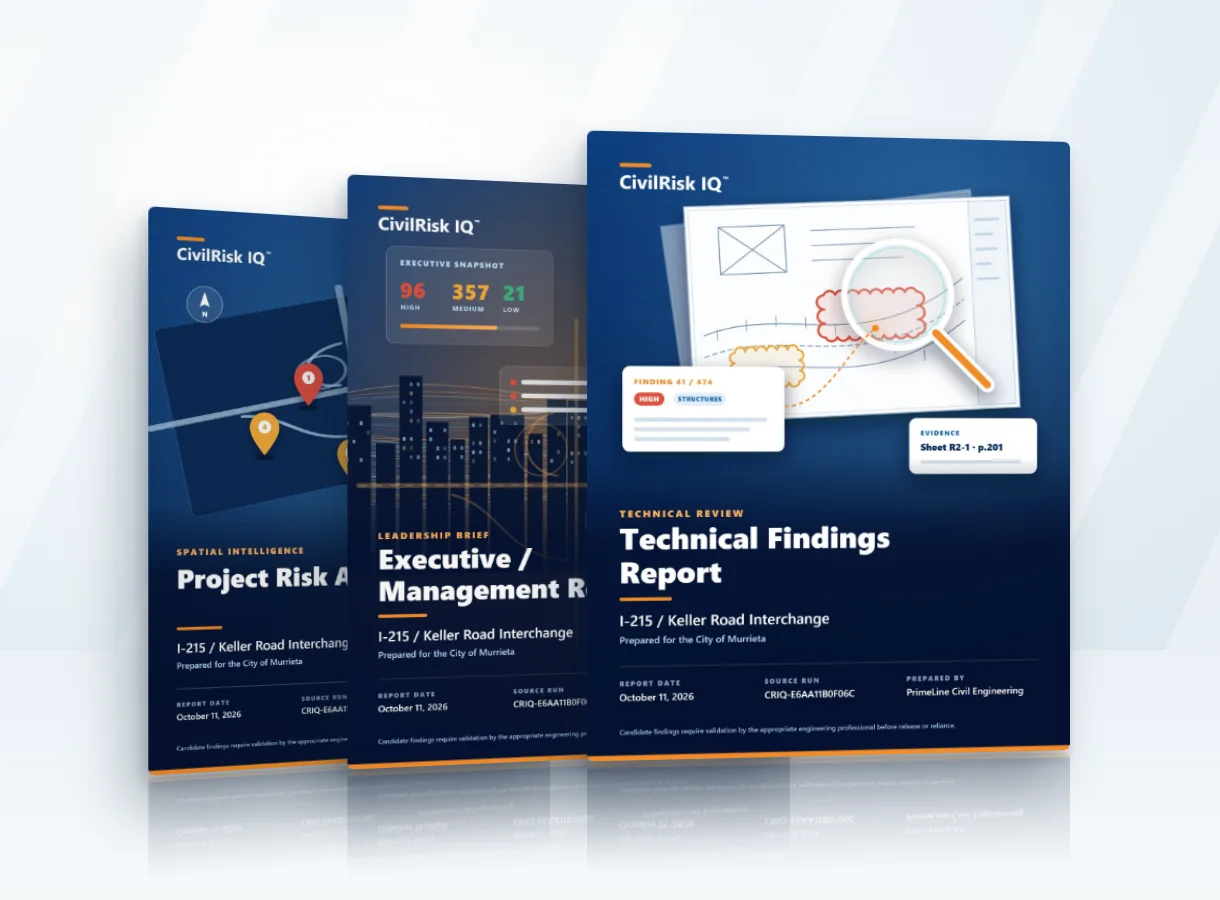
The output collection
Twelve ways to move a decision forward.
Each format draws from the same review record, then emphasizes what its reader needs to decide. Tap a cover to see it full size.
For engineers and reviewers
For leaders, boards and councils
For pursuits, maps and risk programs
The same record, different rooms
Built to be read aloud, challenged and traced back.
A report may be opened in a council chamber, a project office, an interview or a courtroom. The audience changes; the need for a clear source, a bounded claim and an accountable next step does not.
Boardroom
The decision, exposure and open questions fit the agenda.
Design room
Technical detail keeps the sheet, location and review basis.
Formal review
The record can be examined without hiding what remains unverified.
From plan sheet to briefing
Follow one finding from the sheet into every report.
How to read our examples: these are real candidates from CRIQ reviews of actual plan sets. Each shows its status; a candidate is a question for the design engineer, not a verified defect or a statement about current field conditions.
Below is one finding from the I-215 / Keller 95% review, followed from the plan sheet into three of the reports. The same record, the same words and the same source page carry through every one, so a manager, a design lead and a reviewer are always looking at the same thing.
-
Sheet C-15 · Construction details, east roundabout north leg It starts on the plan sheet
Design QA read the point table against the plotted curb. Points 13–17 sit about 36 ft apart, with flow-line elevations of 1562.52, 1563.55, 1562.50, 1565.28 and 1562.50. That puts a 2.78 ft hump at point 16 in what should be a smooth curb line.
In the portal, the finding opens on this sheet beside the evidence, so your reviewer checks it where it lives.
-
Executive Summary and Complete Findings Register · page 4 Managers see it in the register
The Executive Summary lists every retained finding on one table: number, severity, specialist and the decision status. This is the page a project manager or agency lead scans to see what is open.
Row 21 stays Unreviewed until your reviewer confirms, revises or dismisses it.
-
Structured Findings Register · entry 64 Your systems get the full record
The structured export keeps the whole record: workflow state, lineage, evidence status, source sheet and PDF page, plus the observation, why it matters, severity basis and next check.
It comes as a PDF register and as CSV and JSON, ready for your tracker or document-control system.
-
Detailed Finding Sheets · sheet 21 of 40 The reviewer gets one page per finding
The Detailed Finding Sheet gives the reviewer everything on one page: what the specialist observed, the evidence location, why it matters, the severity basis, the recommended check and the culling decision.
Until an accountable reviewer signs off, every sheet is marked unverified AI candidate. Nothing goes out as a finding on the AI’s word alone.
Questions about the reports
Frequently asked questions
Which reports do we receive?
Formats are agreed during scoping. A typical package includes the Executive / Management Report, the Technical Findings Report, a findings register and PDF comment files; the other formats are added when the decision calls for them.
What file formats are they in?
Reports in PDF and Word, comment files that open in Bluebeam or Adobe Acrobat, and structured findings data in CSV and JSON.
Can a report go to a council or board?
Yes. The Executive / Management Report and the Presentation / Interview Brief are written for boards, councils and executives, and keep the source of each point traceable.
Whose project is on the covers?
The I-215 / Keller Interchange in Murrieta, California. The covers come from the CRIQ review of its plans and are shown with the City of Murrieta’s permission. Your reports carry your own project and agency names.
Reports worth bringing into the room
Put risk in its place.
Tell us the project, the audience and the decision ahead; we’ll recommend the review and report formats that fit. Meet Jason →
Authorized access, project-scoped storage, and no silent training on your documents. Security & data →